Image Operator: create and edit images by asking
Headshots, social posts, thumbnails, infographics, product shots and photo edits, made by describing what you want in chat.
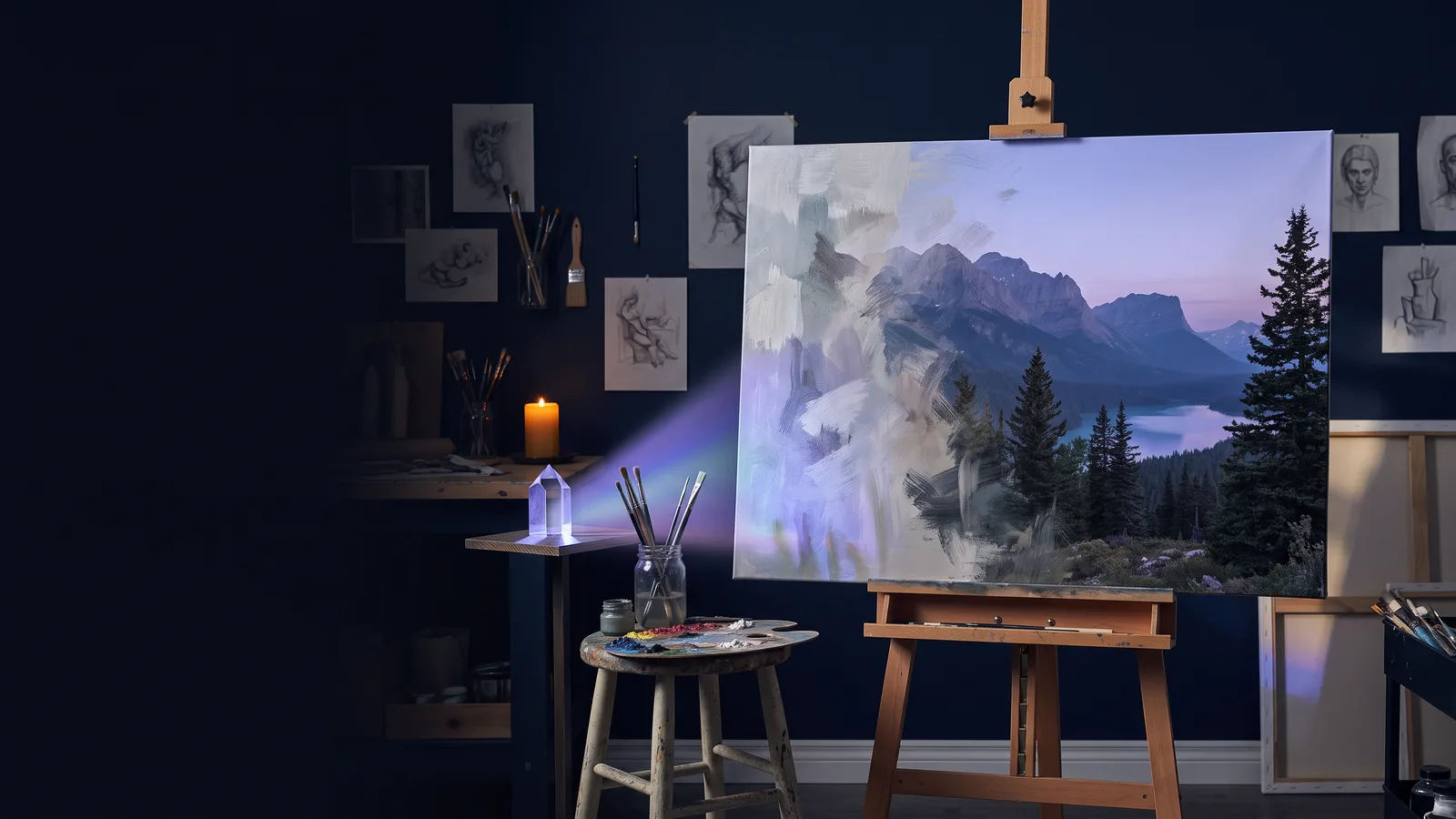
Image Operator turns your clone into a designer. Describe the image you want in plain words. Image Operator works out what kind of image it is, picks the best settings and model, writes a professional prompt, and sends the finished image back to your chat, usually in under a minute and a half.
Turning it on
Image Operator is a default skill on most clone roles. If your clone doesn't have it, ask: "Turn on the Image Operator skill", or add it from Skills → + Add.
What it can make
| Type | Examples |
|---|---|
| You (your clone) | Headshots, portraits, you in any scene, setting or outfit |
| Marketing creatives | Ads, banners, campaign visuals, promo graphics |
| Social posts | Instagram, LinkedIn, X, Facebook and TikTok posts and stories |
| Infographics | Stats, comparisons, timelines, summaries |
| Diagrams | Flowcharts, process maps, org charts, system diagrams |
| Product shots and mockups | Product photography, packaging, device and merch mockups |
| Thumbnails | YouTube and video thumbnails |
| Posters and flyers | Events, announcements, invitations, covers |
| Logos and icons | Logos, app icons, badges, stickers (transparent backgrounds available) |
| Illustrations | Cartoon, anime, watercolor, 3D, comic, concept art |
| Photos | Photorealistic scenes, places, objects, animals, people |
| Backgrounds | Wallpapers, virtual meeting backgrounds, presentation backdrops |
| Photo edits | Change, add or remove things, restyle, fix, combine images |
| Background swaps | Keep the subject, remove or replace the background |
Your clone tells you which type it's making before it starts.
Example prompts
- "Make a headshot of me in a modern office, 1:1."
- "Create a YouTube thumbnail for my video on AI agents that says 5 Mistakes to Avoid."
- "Give me 3 options for an Instagram post announcing our summer sale, 30% off everything."
- "Edit this photo so it's daytime instead of night." (attach the photo)
- "Put our logo on a black coffee bag on a marble counter." (attach the logo)
- "Make an infographic comparing our three plans: Starter has 5 users and email support, Growth has 25 users and chat support, Scale has unlimited users and a dedicated manager."
- "Create a LinkedIn banner for our company: clean, navy and white, with the line 'Work, multiplied.'"
More in the sample prompts library.
Images of you (or your clone)
Ask for "an image of you" (your clone), or "of me" if your clone is your digital twin. Your clone's headshot and appearance profile are used automatically, so you don't need to attach a photo. Add other photos for the location, outfit or props.
Using your own images
- Upload images in chat, or paste links. Google Drive, OneDrive, Dropbox and direct image links work. Shared links must be set to "anyone with the link can view".
- Use up to 8 reference images per request.
- Say what each image is for when it isn't obvious: "use this as the background", "match the style of this one", "put this logo on the shirt".
Options, shape and size
- Options: ask for up to 5 ("give me 3 versions"). They're made at the same time, and each one arrives as its own numbered message with a short label.
- Aspect ratio: say any ratio (16:9, 9:16, 1:1, 4:5, 21:9) or a word like square, portrait, landscape, story or banner. If you don't say, Image Operator picks the right shape for the type: thumbnails 16:9, Instagram posts 4:5, logos square, posters 2:3.
- Resolution: 1K for quick drafts, 2K by default, or 4K for the largest. Higher resolutions use more credits.
Models
Nano Banana 2 is the default and handles almost everything. You can ask for a specific model by name:
| Model | Good for |
|---|---|
| Nano Banana 2 (default) | Best all-rounder: realistic images, likeness of you, edits, text |
| Nano Banana Pro | Very dense text and complex layouts |
| GPT Image | Precise text, transparent backgrounds, detailed edits |
| FLUX | Photorealism, product shots, designs from reference images |
| Grok | Fast, vivid images; uses 1 reference image |
| Qwen | Accurate text on posters and graphics; uses 1 reference image |
Some choices are automatic. Transparent backgrounds use GPT Image, and very text-heavy infographics, diagrams and posters use GPT Image unless you name a model. If a model fails, Image Operator retries with a backup and tells you which one it used.
Brand-aware
When you ask for something branded ("our logo", "our colors", "for my company"), Image Operator checks your clone's knowledge for brand colors, logos and style. Upload a brand guide to Knowledge once and every image follows it. A template is in the knowledge templates library.
Already have a prompt?
Say "use this prompt exactly", and it's used word for word, without rewriting.
What to expect
- Your clone confirms the request, the image type and the model.
- Images usually arrive in 30 to 90 seconds. Several options or 4K take a little longer.
- Each image arrives as its own message with a link you can open, download and share.
Tips for great results
- Be specific about the subject, setting, mood and style.
- Put exact wording in quotes, and keep it short. Images handle a headline well, but not paragraphs.
- For infographics and diagrams, list every label and number. Image Operator never makes up statistics.
- For edits, say only what should change. Everything else is kept as it is.
- Iterate in the same chat. "Option 2, but warmer light" is faster than starting over.
Common questions
Can it make video? No, Image Operator makes images only. For video, see Automated Video.
An image was declined. A model's content filter sometimes declines a request. Rephrasing usually helps, and your clone will tell you when it happens.
The text in my image is wrong. Put the exact words in quotes, keep them short, or ask for GPT Image or Nano Banana Pro.
How is it billed? Image generation uses credits based on the model, the resolution and the number of options.
Was this helpful?
Thanks. That helps us make this better.